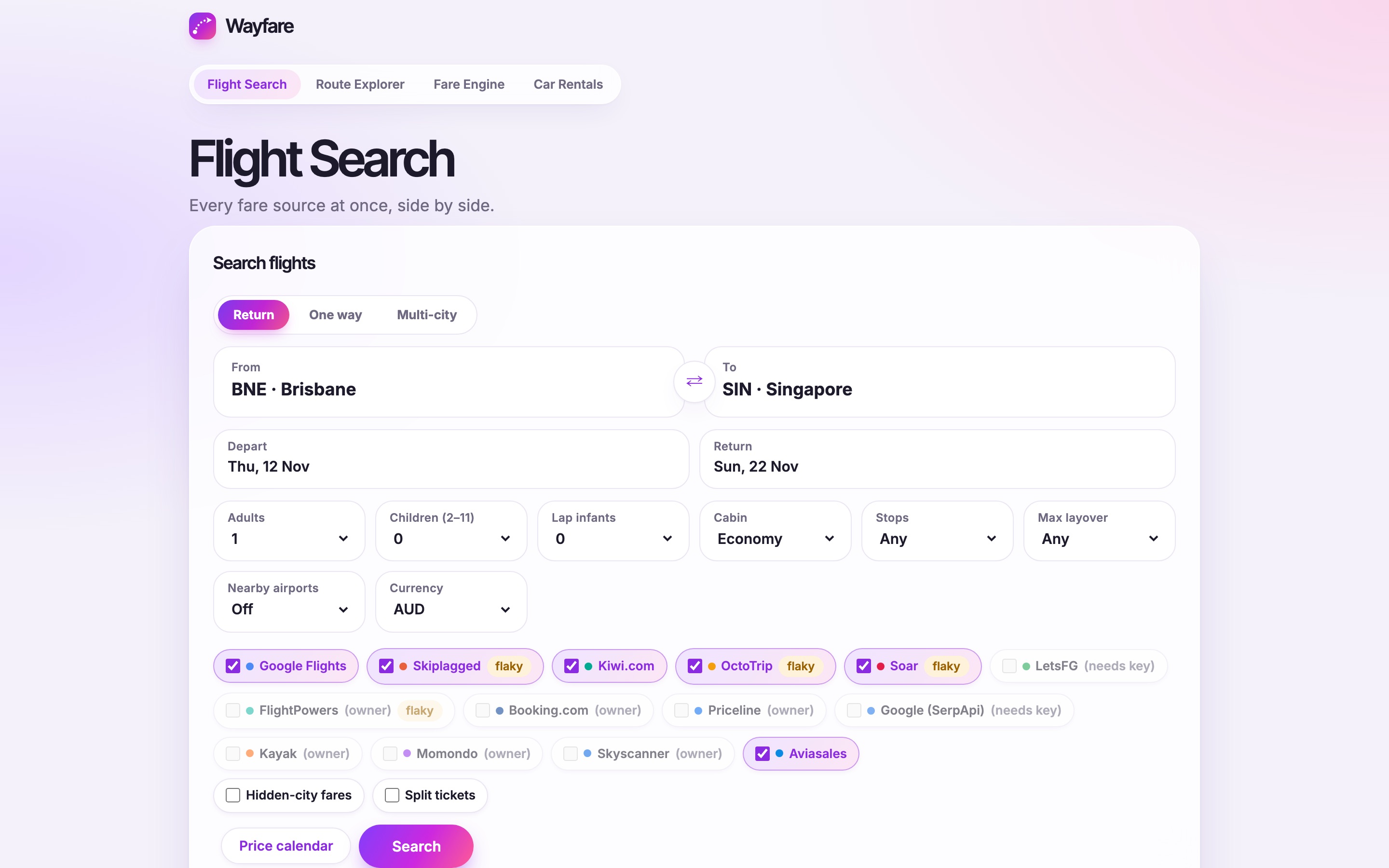
Every flight website shows only part of the available fares. Wayfare searches Google Flights, Skiplagged, Kiwi and up to a dozen more at the same time, shows each flight only once, and tells you if the price is actually good.
- Built
- Solo, with Claude Code
- Stack
- Python on Vercel, GitHub Actions
- Platform
- Web
- Year
- 2026
Decisions
01
One card for each flight, no matter how many sites sell it
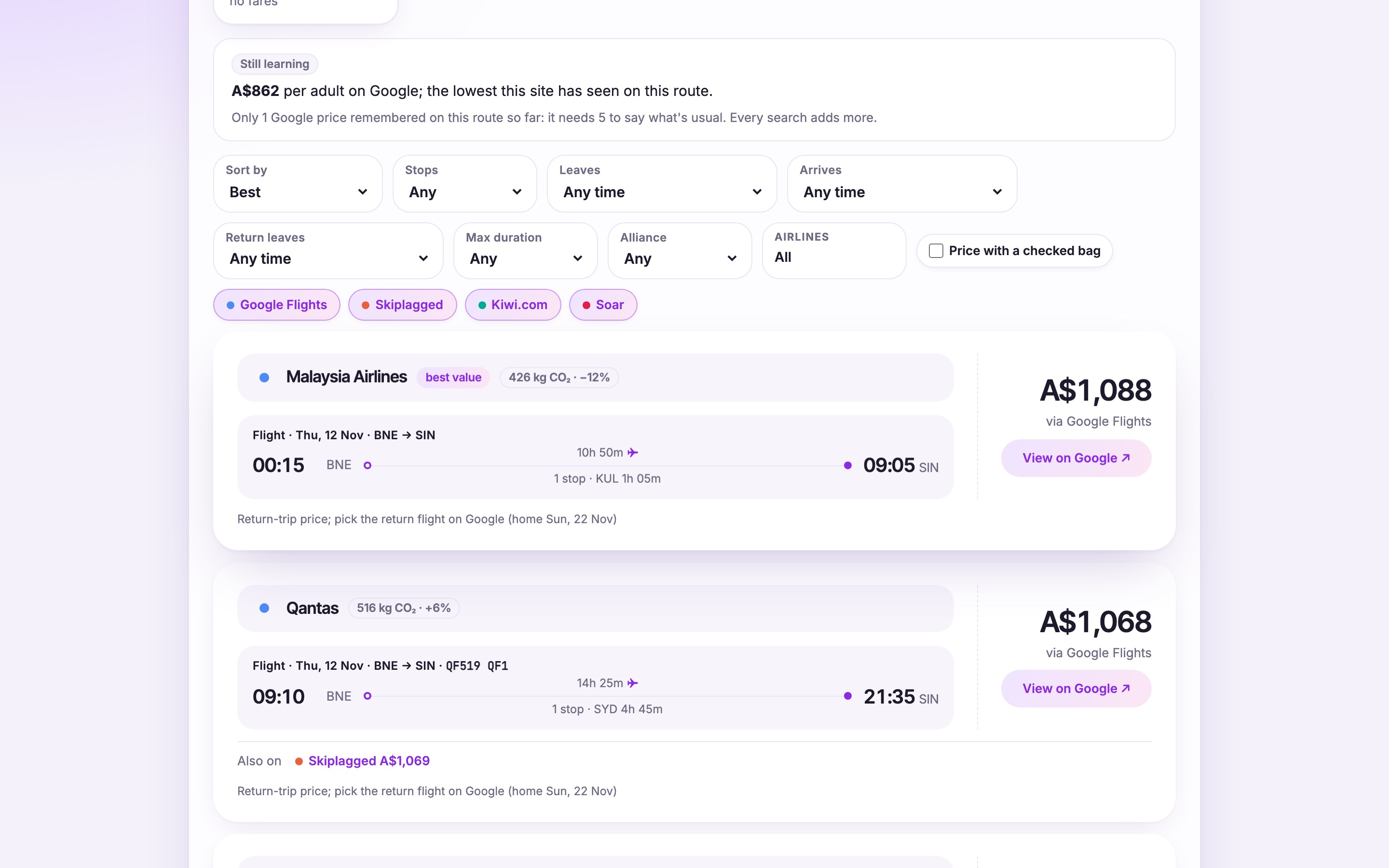
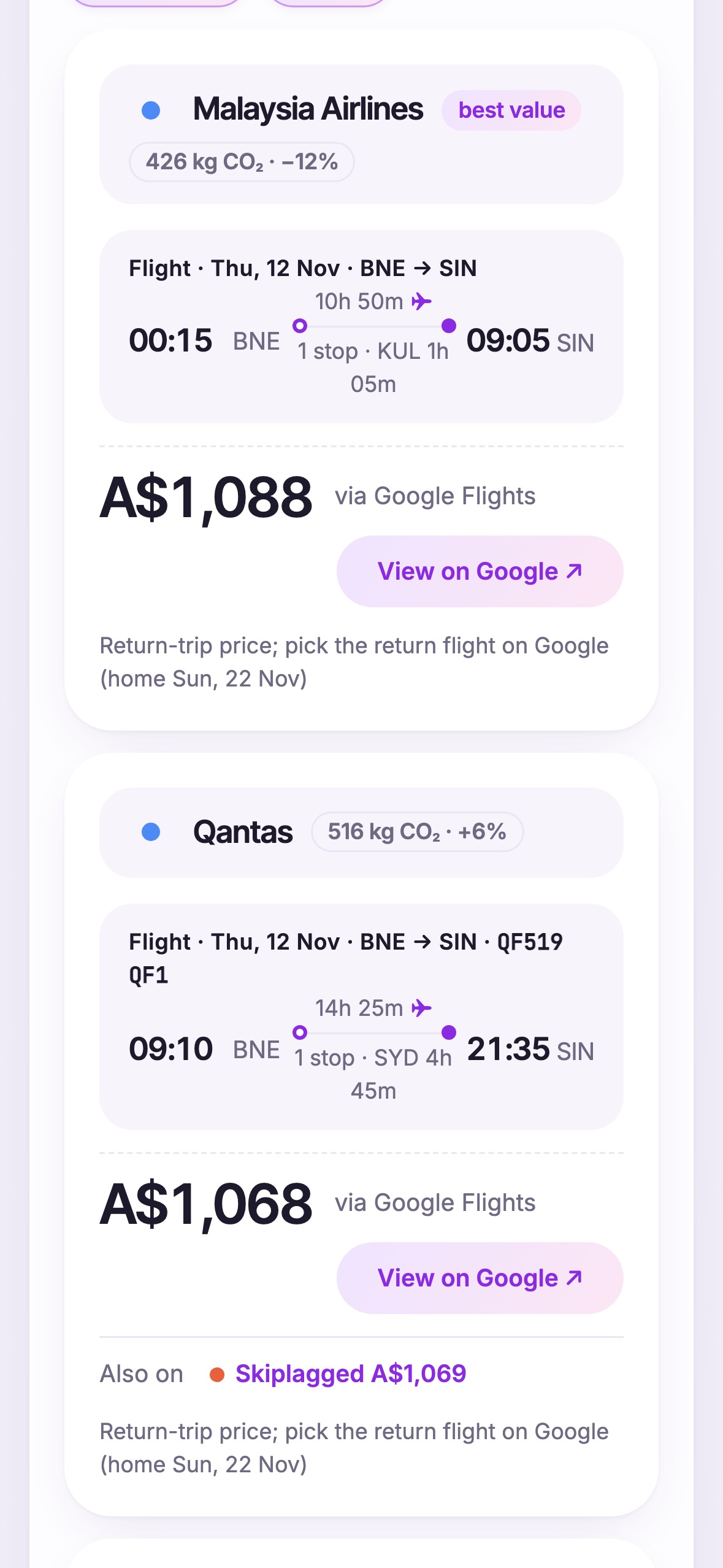
When you search ten websites, the same flight shows up ten times. Two fares are treated as the same flight when they leave from the same airport at the same minute and nothing else contradicts it, or when they have the same flight numbers. The card then lists the price from each seller, so you can compare them without opening ten tabs.
02
Sort by the real cost of the trip
The cheapest fare is often not the cheapest trip. The default sort adds a penalty to each fare: 2.5% of the cheapest price for every extra hour, 3% for each stop, and more for long connections. Low-cost fares without a bag are flagged, and with one switch you can add the bag back and sort again.
03
Know if a price is good by remembering past prices
The site saves the prices it finds on each route and compares today’s fare with the usual one: 10% under is a good price, 10% over is high. The same data is used for price alerts. When the price of a trip drops I get a notification on my phone, and then nothing until it drops again.
Screens